On this page
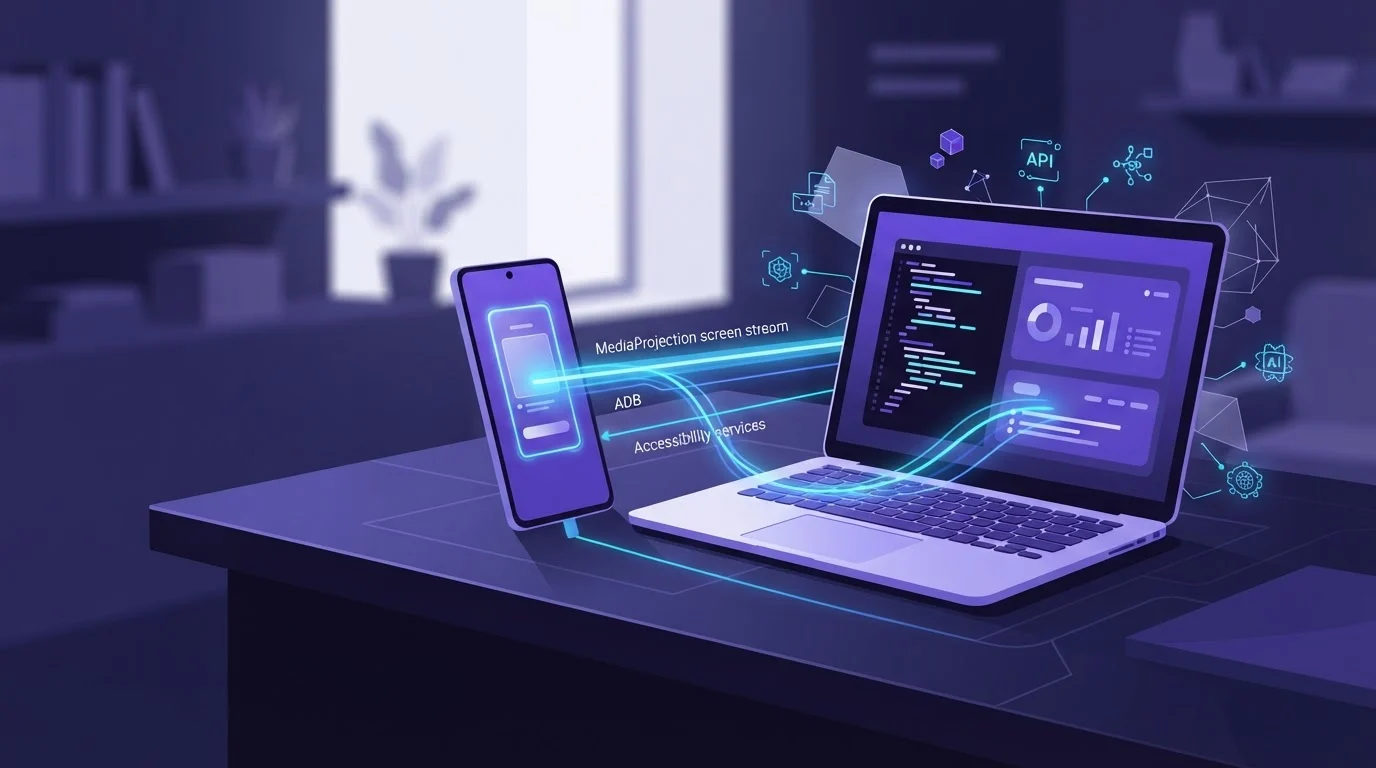
A screen MCP server captures mobile displays by converting live Android frame buffers or UI trees into machine-readable images and schemas that AI agents consume over the Model Context Protocol (MCP). Understanding how a screen MCP server captures your phone screen: MediaProjection vs ADB vs Accessibility comes down to balancing system permissions, capture latency, and execution reliability across local development workflows.
Key Takeaways
- Screen capture in ScreenSync MCP uses Android's native MediaProjection API, requiring user consent once per session without root or ADB.
- Control actions (like tap, swipe, and type) execute through an Android Debug Bridge (ADB) connection hosted by the desktop hub over USB or wireless debugging.
- Accessibility APIs expose structural UI trees, which complement raw visual screenshots by providing bounding boxes and text hierarchies.
- MediaProjection delivers high frame rates suitable for interactive streaming, achieving about 94 ms median live mirror latency across a local area network (LAN) in our tests.
- Vision requests to an AI model pass screen frames through the agent's provider, while local stream frames stay private between your phone and your desktop hub.
What It Is and Why It Matters
What It Is and Why It Matters
The Role of MCP in Visual Agent Workflows
The Model Context Protocol (MCP) standardizes how Large Language Models (LLMs) query external environments. When an AI client like Claude Desktop or Claude Code interacts with a mobile device, it cannot process raw video feeds directly. It relies on dedicated MCP tools such as get_latest_screenshot to retrieve current visual state, evaluate layout components, and decide the next execution step.
Why Architecture Dictates Agent Speed
If an agent takes five seconds to capture a frame, multi-step tasks become painfully slow. The underlying capture mechanism dictates whether an agent receives high-fidelity visual buffers instantly or stalls while waiting for command-line file dumps. What this means for developers and QA engineers is that low-latency streaming allows tools like Claude Code to iterate rapidly through complex mobile UI tests.
Beyond Mobile: The Multi-Surface Reality
Developers rarely test apps in complete isolation from desktop browser workflows. Modern agent workflows frequently bridge tasks across native Android applications and real desktop browser tabs. To understand how architectural pipelines manage this balance, explore our guide on how to give an AI agent a screen using MCP.
| Capture Architecture | Primary Mechanism | Root Needed? | Typical Frame Latency | Direct UI Tree? |
|---|---|---|---|---|
| MediaProjection | OS Virtual Display | No | Sub-100 ms | No (Pixels Only) |
ADB screencap |
Shell Process Pipe | No | 800–2500 ms | No (Raw Bytes) |
| Accessibility API | View Node Inspection | No | 100–300 ms | Yes (Structured Text) |
How It Works
MediaProjection API: Pixel Streaming Without Root
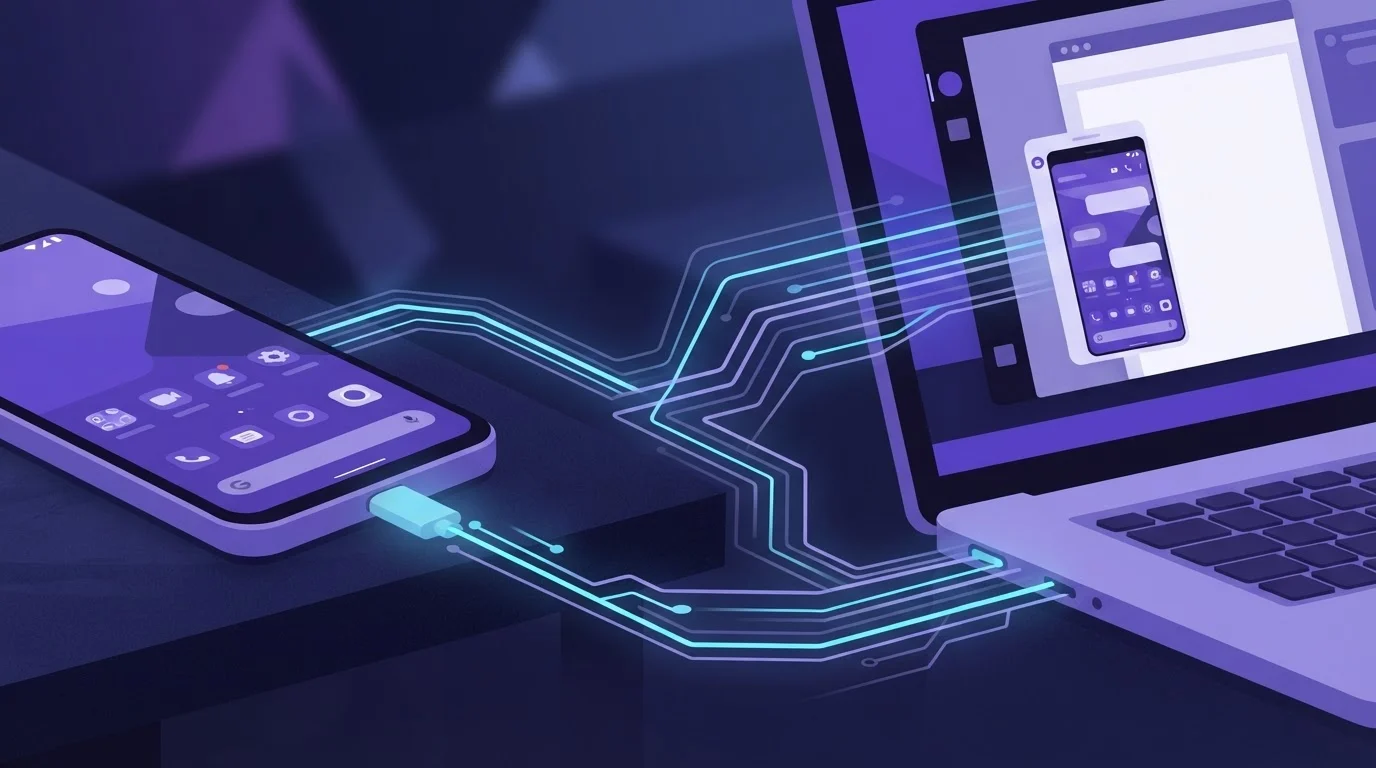
Android's MediaProjection API allows an installed application to capture the contents of the display buffer without requiring elevated system privileges or root access. The user explicitly grants consent via an OS-level confirmation dialog at the start of each session. Once approved, the app routes video frames over the local network to a desktop hub. In our tests on a local network, this approach achieved a live mirror median latency of about 94 ms.
+-----------------------+ +-------------------------+
| Android Device | | Local Desktop Hub |
| (com.screensync.mcp) | | (Node.js 18+ on :3000) |
| | MediaProjection | |
| MediaProjection API | =================> | In-Memory Buffer Store |
| (No Root, No ADB) | Local LAN | (get_latest_screenshot)|
+-----------------------+ +-------------------------+
^ |
| ADB Bridge |
+----------------------------------------------+
(control_tap, control_swipe)
ADB Screencap: The Traditional Shell Approach
The Android Debug Bridge captures displays by running /system/bin/screencap via a tethered USB or wireless debugging connection. While this works without installing a dedicated mobile app, it imposes a massive penalty on agent loops. Each frame capture initiates a shell process, writes a raw uncompressed file or piped stream, and pulls it across the ADB daemon, often consuming 1 to 2.5 seconds per frame.
Accessibility Services: Text Hierarchies vs Pixels
Accessibility APIs do not capture pixel buffers; instead, they inspect the device's accessibility node hierarchy. When an agent queries layout data using tools like get_ui_hierarchy, it retrieves UI element boundaries, text fields, and view identifiers. For a detailed breakdown of this distinction, see how AI agents use Android UI trees not screenshots. Combining visual frames from MediaProjection with structured accessibility dumps gives agents maximum semantic clarity.
Step-by-Step Walkthrough
1. Install and Configure the Desktop Hub
The ScreenSync MCP hub coordinates incoming network streams and serves MCP endpoints over stdio. It requires Node.js 18+ running on Windows, macOS, or Linux, using HTTP on port 3000.
Unpack the hub files and start the process using the included script:
bash
On Linux or macOS
./start-hub.sh
On Windows
start-hub.bat
2. Configure Your MCP Client
Add the hub to your preferred MCP client. For Claude Code, register the stdio server using the command line:
bash
claude mcp add screensync node "/path/to/hub/screensync-hub.js"
For Claude Desktop, open your claude_desktop_config.json file (via Settings > Developer) and add the server configuration:
{
"mcpServers": {
"screensync": {
"command": "node",
"args": ["/path/to/hub/screensync-hub.js"],
"env": {
"SCREEN_SYNC_TOKEN": "your_bearer_token_here"
}
}
}
}
For other clients such as Cursor or VS Code, consult that specific client's MCP documentation to configure local stdio servers.
3. Connect the Android Application
Download the ScreenSync MCP Android app (version 2.5.7, requiring Android 7.0 or later) from Google Play. Open the application and pair it with your hub by scanning the QR code displayed on the hub dashboard, or allow mDNS auto-discovery on your LAN to locate it automatically. Accept the Android MediaProjection consent prompt to begin streaming. Control tools will require USB or wireless debugging enabled via ADB.
| Component | Version | Price (USD) | Source |
|---|---|---|---|
| ScreenSync MCP Android App | 2.5.7 | Free | Google Play (com.screensync.mcp) |
| ScreenSync MCP Hub | 1.14.4 | Free download | screensyncmcp.tech |
| ScreenSync MCP Browser Extension | 1.14.4 | Free download | Chrome / Edge Stores |
Example Prompts and Tool Calls
Inspecting Layouts and Screenshots
ScreenSync MCP provides 226 total MCP tools (split into 29 phone and desktop tools, including 12 control_*, 3 os_*, and 14 capture/hub tools, plus 197 web_* browser tools), alongside 17 prompts and 3 resources. When you ask Claude to diagnose an issue, it queries the capture tools:
Prompt: "Check the mobile screen, locate the login button, and capture the current system logcat output."
Agent Tool Calls:
{
"name": "get_latest_screenshot",
"arguments": {}
}
{
"name": "get_ui_hierarchy",
"arguments": {}
}
{
"name": "get_logcat",
"arguments": {
"lines": 50
}
}
Executing Multi-Touch and Input Sequences
Once the agent identifies UI bounds, it issues precise control commands via ADB. Control requires no root access, but ADB debugging must be active.
Prompt: "Tap the username field, enter 'testuser', and swipe down to view notifications."
Agent Tool Calls:
{
"name": "control_tap",
"arguments": {
"x": 450,
"y": 820
}
}
{
"name": "control_type",
"arguments": {
"text": "testuser"
}
}
{
"name": "control_swipe",
"arguments": {
"startX": 500,
"startY": 100,
"endX": 500,
"endY": 800,
"durationMs": 300
}
}
For extended testing, agents can also invoke record_screen to review complex UI animations.
Common Mistakes and Troubleshooting
Confusing Control Permissions with Capture Requirements
A frequent point of confusion is assuming that screen capture requires ADB or root. In ScreenSync MCP, screen capture requires neither root nor ADB—it relies solely on the user's MediaProjection consent. However, executing control_tap, control_swipe, or control_type commands requires ADB over USB or wireless debugging. If your agent can see the screen but cannot tap buttons, check your ADB connection status.
Network Discovery and Token Failures
If the Android app fails to pair with the desktop hub, confirm that both devices reside on the same Wi-Fi subnet. While mDNS auto-discovery simplifies discovery, strict router isolation settings can block local broadcasts. If auto-discovery fails, scan the hub's QR code manually, and verify that your SCREEN_SYNC_TOKEN environment variable in your MCP client config matches the bearer token configured on the hub.
Unsupported Remote Web Clients
Attempting to connect ScreenSync MCP directly to ChatGPT's web interface will fail. The ChatGPT web application requires remote HTTPS MCP endpoints. ScreenSync MCP is designed for local developer environments using stdio-based clients like Claude Desktop, Claude Code, Cursor, and VS Code.
Privacy and Safety Notes
Local Network Frame Security
ScreenSync MCP keeps screen capture data strictly within your local environment. Video frames stream directly from the phone app to your local Node.js hub across your LAN. Video frames are never sent to EpsolDev servers. A Google Drive fallback option exists, but it remains strictly optional.
External AI Model Data Flows
While your live stream stays local, you must remain mindful of model provider boundaries. Whenever an AI agent calls get_latest_screenshot, that specific static frame is delivered to your MCP client and forwarded to the agent's LLM provider (such as Anthropic) for vision processing. Do not expose sensitive credentials, personal messages, or payment forms to an active vision agent.
Human Approval for Browser Automation
In addition to mobile automation, the ScreenSync MCP browser extension (Manifest V3 for Chrome and Edge) gives agents control over your active browser tab via 197 web_* tools. To prevent accidental operations, the extension includes a built-in human approval prompt for risky actions.
Implementation Checklist
- [ ] Ensure device runs Android 7.0 or later with app version 2.5.7 installed.
- [ ] Install Node.js 18+ on the host desktop (Windows, macOS, or Linux).
- [ ] Launch the ScreenSync MCP hub (v1.14.4) on local port 3000.
- [ ] Add the stdio server config to
claude_desktop_config.jsonor Claude Code. - [ ] Grant MediaProjection permission on the Android screen capture prompt.
- [ ] Enable ADB USB or wireless debugging if using
control_*tools. - [ ] Confirm both devices communicate over the local network via mDNS or QR code.
Conclusion
For developers, QA engineers, and power users who need an AI agent to see and interact with real mobile displays, MediaProjection provides the low-latency visual throughput that ADB shell screencaps cannot match. Combining MediaProjection pixel capture with ADB-driven control tools gives Claude Desktop, Claude Code, and Cursor full multi-surface agency while keeping your streaming data contained on your local network.
ScreenSync MCP provides developer tools for AI agents and the Model Context Protocol, offering the ScreenSync MCP Android app, ScreenSync MCP hub, and ScreenSync MCP browser extension. For technical inquiries, contact [email protected] or visit https://www.screensyncmcp.tech. Get it on Google Play to start automating your mobile workflows.
Questions, answered
Does capturing the screen with ScreenSync MCP require root access?
No, capturing the screen requires neither root access nor ADB; it uses Android's native MediaProjection API after explicit user consent each session. Elevated permissions via ADB are only required when using input control tools like tap and swipe.
Why can't I use ScreenSync MCP with the ChatGPT web app?
The ChatGPT web application requires remote HTTPS-based MCP server endpoints, whereas ScreenSync MCP operates as a local stdio server designed for local tools like Claude Desktop and Claude Code.
Does the live screen stream get sent to EpsolDev servers?
No, live video frames travel exclusively from your Android phone to the desktop hub across your local area network and are never routed to EpsolDev servers. Only individual screenshots requested by an AI agent are forwarded to that agent's model provider.
How fast is the screen mirroring latency between the phone and hub?
In our tests across a standard local area network, ScreenSync MCP achieved a median live mirror latency of about 94 ms using the MediaProjection capture pipeline.
Which desktop operating systems support the ScreenSync MCP hub?
The hub runs on any operating system supported by Node.js 18+, including Windows, macOS, and Linux, and is executed using the provided start-hub.bat or start-hub.sh scripts.